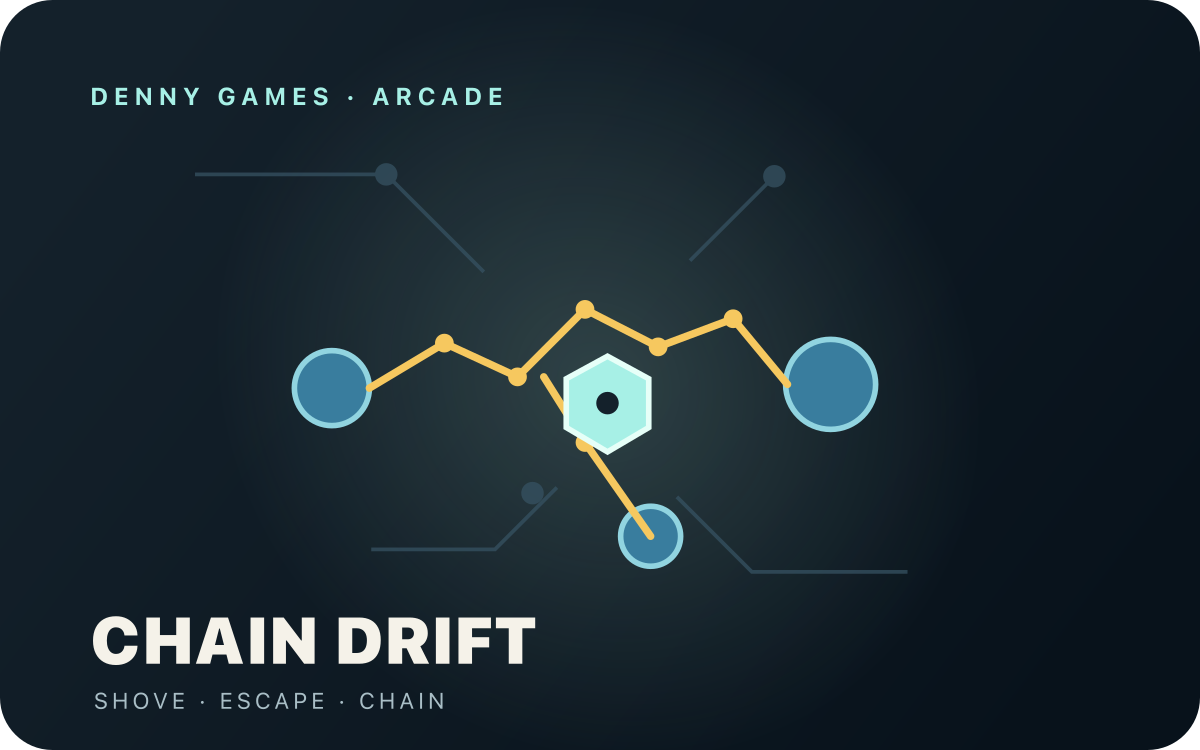
How to play Move close to a blue mine. The yellow marker shows which mine a shove will reach. Press PUSH to launch that mine. Its blast arms nearby mines and can start a scoring chain. Keep clear of the blast radius and watch the field-load gauge. An overloaded field can arm itself. Make your move Touch: use the direction pad; tap PUSH. Keyboard: Arrows/WASD move; Space, Z, X, J or K pushes. Standard gamepad: D-pad or left stick moves; A pushes; Start pauses. Physical-device testing is pending. The arcade keeps its own score table while this play page stays open. Leaving or reloading starts fresh. A small head start Let harmless mines drift together before you arm one for a bigger chain. Move away as soon as you push. A mine you armed can still hurt you after it launches. Capacitors redirect blasts after a short charge, so leave their marked area before it fires. Compatibility notes Touch and keyboard controls are implemented. Physical phones, controllers and Tesla browsers await device testing.
Play style: Directions. This game keeps its own score table only while this play page stays open. Leaving or reloading starts fresh.
Check this game on your device ↗
Compatibility · Input check
Credits & source ABA Games · MIT · ABA Games. MIT notices and source · Source code
Updated: 2026-10-14. Free to play. Pages may contain disclosed affiliate links; Google ads are inactive.
Advertisement · Coupang Partners Looking for a gamepad? Browse gamepad listings on Coupang, a Korean shopping service. Check each product’s device and browser compatibility, connection type, and return terms before buying.
As a Coupang Partners affiliate, we receive a commission on qualifying purchases made through this link.
Browse gamepads on Coupang · new tab  Arcade