How to play
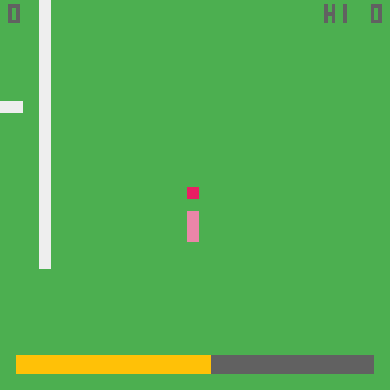
- Write with an automatically turning chalk nib, gaining energy on fresh strokes but losing it when overwriting.
- Fresh writing adds score and energy; overwriting drains energy sharply and zero energy ends the round.
Make your move
- Touch or mouse: Hold: Write; Release: Save Overwriting costs a lot
- Keyboard: hold Space to press, release to let go. Pointer games use the mouse.
- Standard gamepad: left stick/D-pad moves the pointer, hold A to press; Start pauses. Physical hardware unverified.
A small head start
- Pause at any time with P/Escape or the Pause button.
- This original restarts after leaving the page; only your best score is saved.
- Original source and MIT notices are linked below.
Compatibility notes
Touch and keyboard controls are implemented. Physical phones, controllers and Tesla browsers await device testing.
Play style: One button. Original in-game text is English. Leaving or changing language restarts the round; personal bests remain local.
Check this game on your device ↗
Compatibility · Input check